AI Training for Teams: What to Expect from a Good Program
What effective AI training for business teams covers, how sessions are structured, and how to prepare your staff so the skills stick after the workshop.
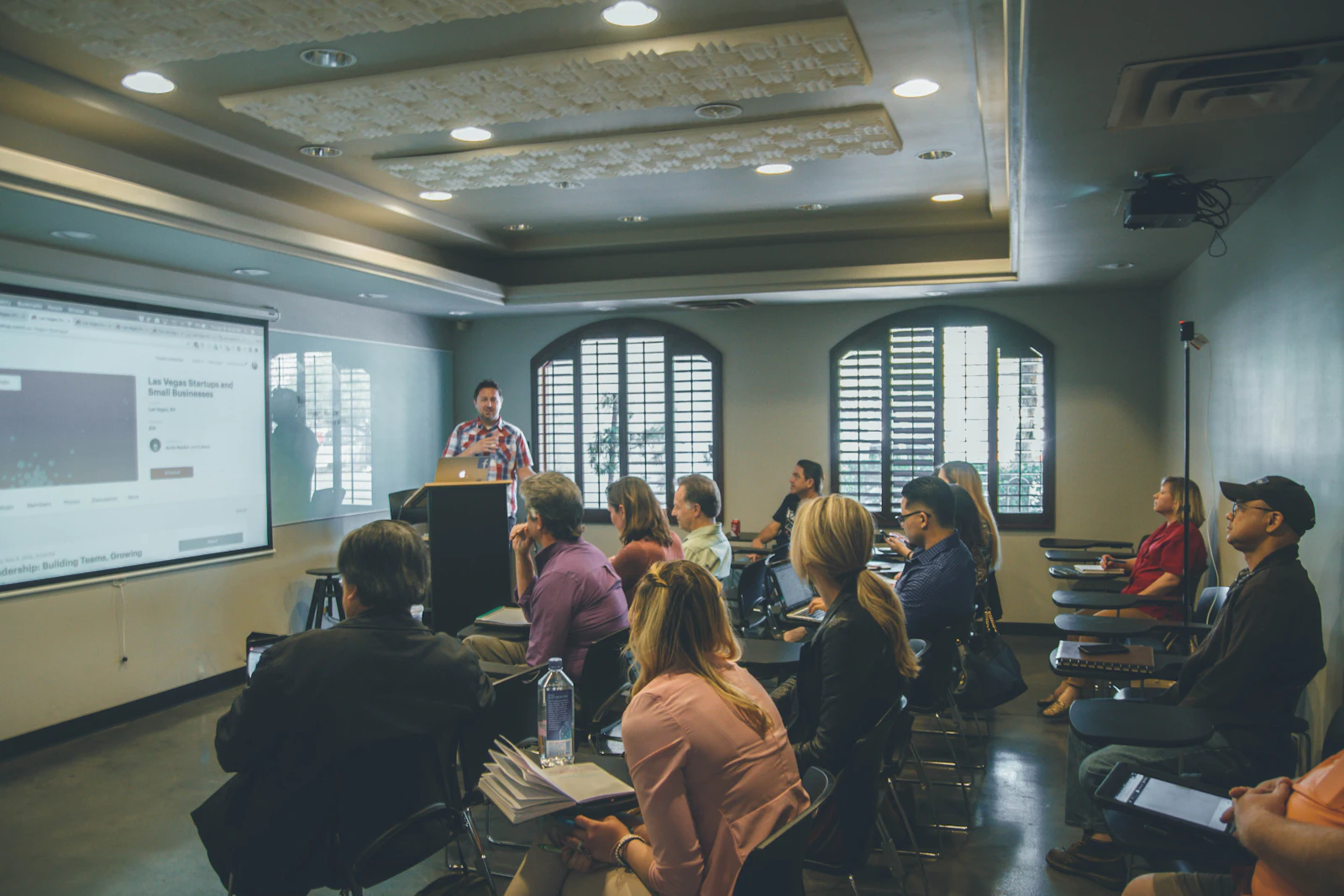
Good AI training for teams teaches employees how to use AI tools effectively and safely in their actual jobs: how to give clear instructions, how to check results, what data never to share, and which tasks are worth handing to AI. Expect hands-on practice with your own types of work, not a lecture about the future of technology. A useful program leaves each participant with a few concrete workflows they can use the next morning, and leaves managers with clear rules everyone understands.
Why training matters more than the tool
Two employees with the same AI tool can get very different results. The difference is usually skill: knowing how to describe a task, provide context, review output critically and recognize when AI is the wrong choice. Without training, many people try a tool once, get a generic answer and give up, while others use it confidently in ways that put company data at risk.
Training closes both gaps. It raises the quality of results and puts guardrails in place at the same time.
What a good program covers
Foundations
- What current AI models can and cannot do, in plain language.
- Why AI sometimes produces confident but wrong answers, and how to catch them.
- The difference between general-purpose chat tools, assistants connected to company data and AI agents.
Practical skills
- Writing clear instructions: role, task, context, format and examples.
- Iterating: refining a result through follow-up requests instead of starting over.
- Summarizing, drafting, rewriting and translating between English and Spanish.
- Extracting information from documents and turning it into tables or checklists.
Safe use
- Your company's AI use policy, explained with real examples.
- Which kinds of information must never be entered into which tools.
- Recognizing AI-assisted phishing and impersonation attempts.
- Verifying facts, figures and sources before using them.
Role-specific workflows
The most valuable part of any session is applying these skills to the participants' own work: a sales team drafting follow-ups, an operations team turning notes into reports, an office manager building a procedure document.

How sessions are typically structured
Programs vary, but a practical structure looks like this:
- Short pre-session survey. Which tools does the team already use? Which tasks take the most time? What concerns do people have?
- Core workshop. Foundations and safe use for everyone, followed by guided exercises.
- Department breakouts. Smaller groups work on tasks specific to their role.
- Takeaway materials. A reference guide with sample instructions and the key policy points.
- Follow-up. A later check-in to answer questions that came up once people started using the tools in real work.
In person or remote?
Both formats work. In-person sessions are good for building momentum and for teams less comfortable with technology, because the instructor can help people individually. Remote sessions suit distributed teams and shorter refreshers. We offer both, with in-person training available across South Florida and remote sessions anywhere, in English or Spanish. Details are on our AI training page.
Who leads the training
Our training is led by Max, the founder of Core Florida IT. He has worked in IT since 1999, builds AI applications as an AI-native full-stack engineer, and is certified in Claude Code through Anthropic Academy. He also holds CompTIA Security+, so the safe-use portion of the training comes from someone who works in security, not just in AI.
How to prepare your team
- Decide on approved tools first. Training is more effective when everyone practices on the tools they will actually use.
- Draft or update your AI use policy. Even a short draft gives the session something concrete to explain.
- Collect real examples. Ask each department for two or three routine tasks, with sensitive details removed.
- Set expectations. Explain that the goal is to help people do their jobs better, not to replace them.
How to tell if training worked
Look for practical signs in the weeks after the session: employees sharing useful instructions with each other, fewer questions about what is allowed, more consistent quality in AI-assisted drafts and fewer risky uses of personal accounts. Asking participants which workflows they still use is a simple and honest measure.
FAQ
Do participants need technical experience?
No. Good training is designed for business users. Exercises start simple and build up, and the instructor adjusts to the group.
Can training be delivered in Spanish?
Yes. We deliver sessions in English, in Spanish, or in a bilingual format for mixed teams, which is common in South Florida.
Should managers attend with their teams?
We recommend it. When managers understand the tools and the policy, they can support their teams and answer everyday questions.
Plan your team's training
If your team is curious about AI but unsure how to use it well, or already using it without clear rules, training is a sensible next step. Request a free IT assessment and we will recommend a format and focus that fit your business.