The 3-2-1 Backup Strategy Explained for Business Owners
Three copies, two types of storage, one offsite. Here is what the 3-2-1 backup rule means in practice, how ransomware changed it, and how to test your restores.
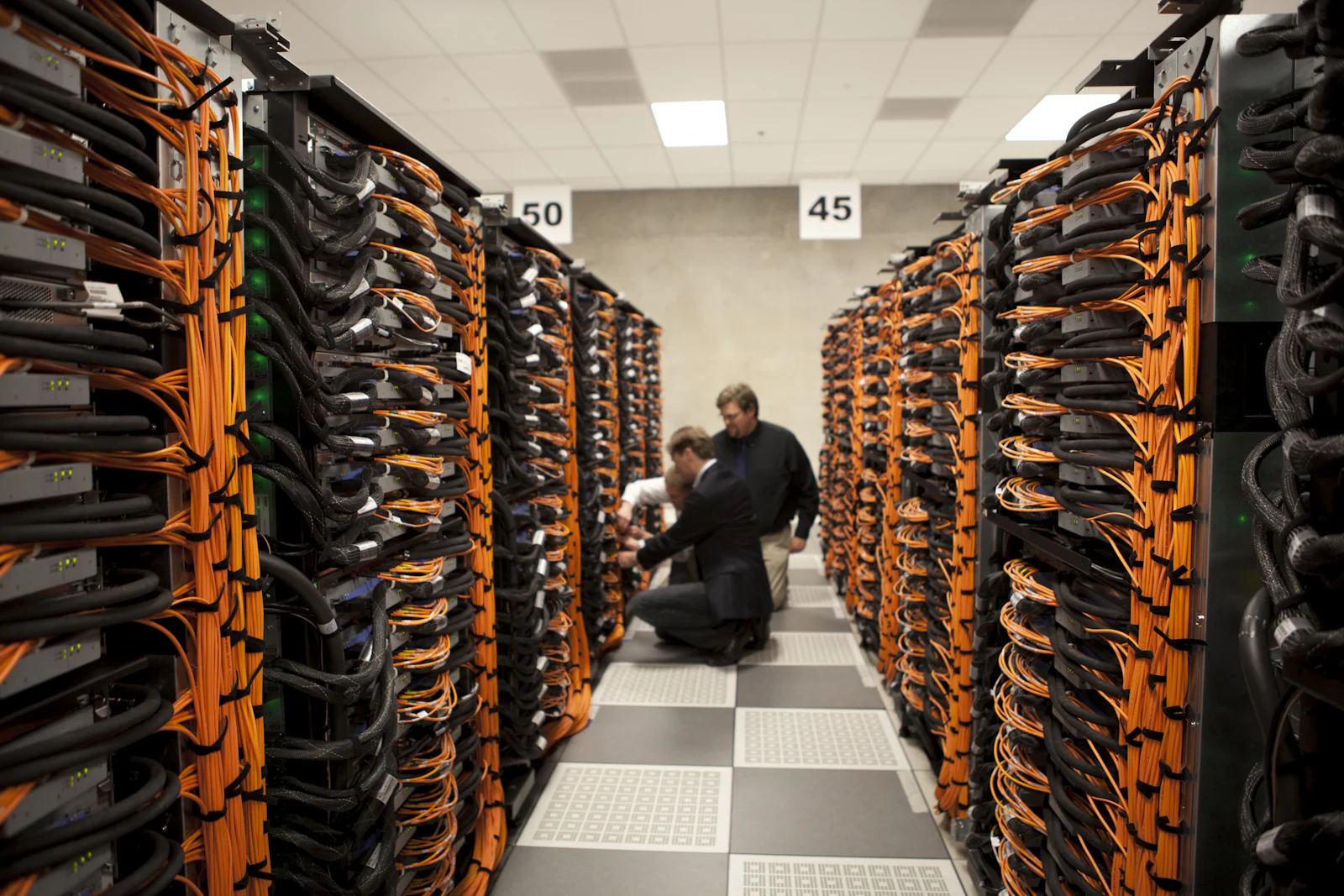
The 3-2-1 backup strategy means keeping three copies of your data (the original plus two backups), on two different types of storage, with one copy stored offsite. It protects against the most common causes of data loss: hardware failure, accidental deletion, theft, fire, flooding, and ransomware. Many businesses now extend it to 3-2-1-1-0, adding one copy that is immutable or offline and zero errors in verified restore tests.
For businesses in South Florida, where hurricane season and ransomware are both part of the planning conversation, the 3-2-1 rule is a simple framework for deciding whether your backups would actually save you.
Breaking down the rule
Three copies
Your production data counts as one copy. You need at least two more. If a single backup fails silently, which happens more often than people expect, the second backup is your safety net.
Two types of storage
Keeping both backups on the same kind of device, or worse, the same device, means one failure can take out both. Combine different media or platforms, for example a local backup appliance or NAS plus cloud object storage, or a backup server plus removable drives.
One copy offsite
An offsite copy protects you from events that affect the whole office: fire, water intrusion, theft, or extended power and network outages after a storm. Offsite usually means a cloud provider or a secondary location in a different region.
How ransomware changed the rule
Modern ransomware operators look for backups before they encrypt anything. If your backup server is joined to the same domain and reachable with the same administrator credentials, an attacker can delete it. That is why the extended version matters:
- One immutable or offline copy. Immutable storage cannot be modified or deleted for a set retention period, even by an administrator. Object lock features in cloud storage, hardened backup repositories, and rotated offline media all serve this purpose.
- Zero errors. Backups should be verified automatically and restored on a schedule to prove they work.
| Version | What it adds | Protects against |
|---|---|---|
| 3-2-1 | Three copies, two media, one offsite | Hardware failure, deletion, site disasters |
| 3-2-1-1-0 | One immutable or offline copy, zero verified errors | Ransomware, malicious insiders, silent corruption |

RPO and RTO in plain language
Two terms help decide how often and how fast:
- Recovery Point Objective (RPO): how much data you can afford to lose, measured in time. If you back up nightly, you could lose up to a day of work.
- Recovery Time Objective (RTO): how long you can afford to be down while restoring.
A dental office whose schedule and imaging live on one server may need hourly snapshots and a fast local restore. A small consulting firm working mainly in Microsoft 365 may be well served by daily cloud-to-cloud backup. Both answers are valid, as long as they are deliberate.
What to back up
- File servers and shared drives
- Line-of-business databases and applications
- Virtual machines, including the configuration needed to rebuild them
- Microsoft 365 or Google Workspace mail, OneDrive, SharePoint, and Drive data, since built-in retention is not the same as a backup
- Website files and databases
- Firewall, switch, and server configurations
For virtualized environments, Proxmox Backup Server provides incremental, deduplicated, and encrypted backups that work well as the local tier of a 3-2-1 design, with an offsite sync target for the second copy.
Test your restores
A backup you have never restored is an assumption. Build a simple routine:
- Restore a few random files each month and confirm they open.
- Restore a full server or VM to an isolated environment each quarter.
- Time the restore and compare it to your RTO.
- Document the steps so someone other than the person who set it up can follow them.
- Review backup alerts weekly so failed jobs do not go unnoticed.
Our server setup and repair service includes backup design and restore testing, and our cybersecurity services cover immutable storage and ransomware-resilient configurations.
FAQ
Is cloud sync, like OneDrive or Dropbox, a backup?
Not on its own. Sync replicates changes, including deletions and encrypted files. Version history helps, but a separate backup with its own retention and access controls is still recommended.
How long should we keep backups?
It depends on your business needs and any regulatory or contractual requirements that apply to you. Many businesses keep daily backups for a few weeks and monthly backups for longer. Consult your compliance advisor where regulations apply.
Does an offsite copy need to be far away?
Ideally it should be outside the region likely to be affected by the same event. For South Florida, that often means a cloud region or data center outside the area.
Next step
If you are not sure whether your backups meet the 3-2-1 standard, request a free IT assessment. We will review what is backed up, where it lives, and how long a real restore would take.